Templates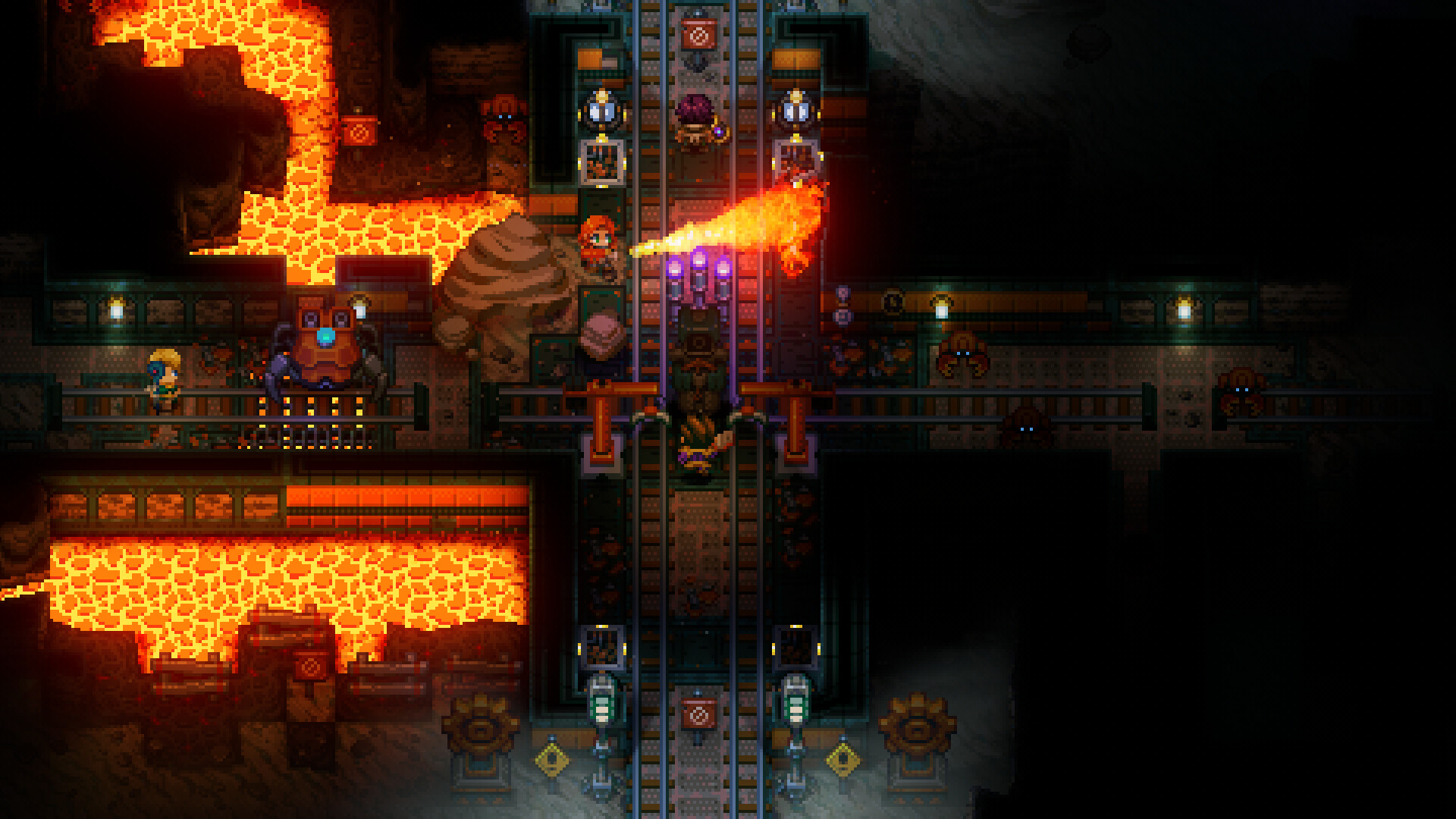


Core Keeper server hosting
Cozy mining and exploration, always online for your crew.
Core Keeper
NewGames· Pugstorm· v8
Select Server Configuration
Every plan has cross-play by IP and the Steam Game ID. Core Keeper's default is 8 players; bigger plans give larger groups room to explore.
8 Players$4.49/mo
3GB RAM, 1.5 CPU cores, 10GB SSD - for up to 8 players, the game's default.
- 1.5 cores
- 3 GB RAM
- 10 GB SSD/NVMe
- 2 instances
Most popular
16 Players$5.49/mo
4.5GB RAM, 2 CPU cores, 15GB SSD - for up to 16 players.
- 2 cores
- 4.5 GB RAM
- 15 GB SSD/NVMe
- 2 instances
32 Players$5.99/mo
5.5GB RAM, 2.5 CPU cores, 20GB SSD - for up to 32 players and big bases.
- 2.5 cores
- 5.5 GB RAM
- 20 GB SSD/NVMe
- 2 instances
Host Core Keeper always online for your crew: join by Steam Game ID or cross-play by IP (Epic, Microsoft Store, GOG), 30 world slots, mods, admins and bans, automatic saves, update restarts and backups.
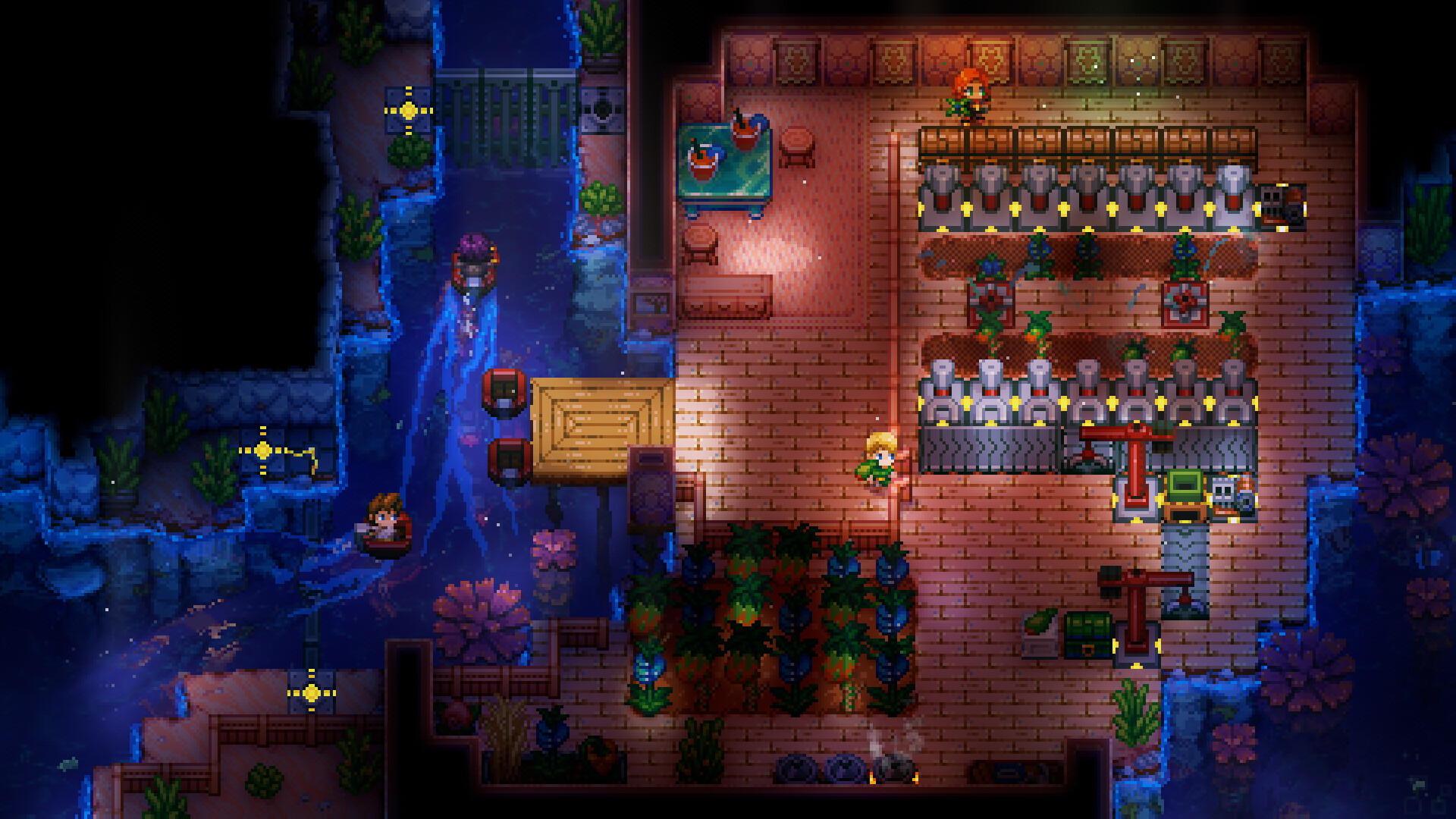
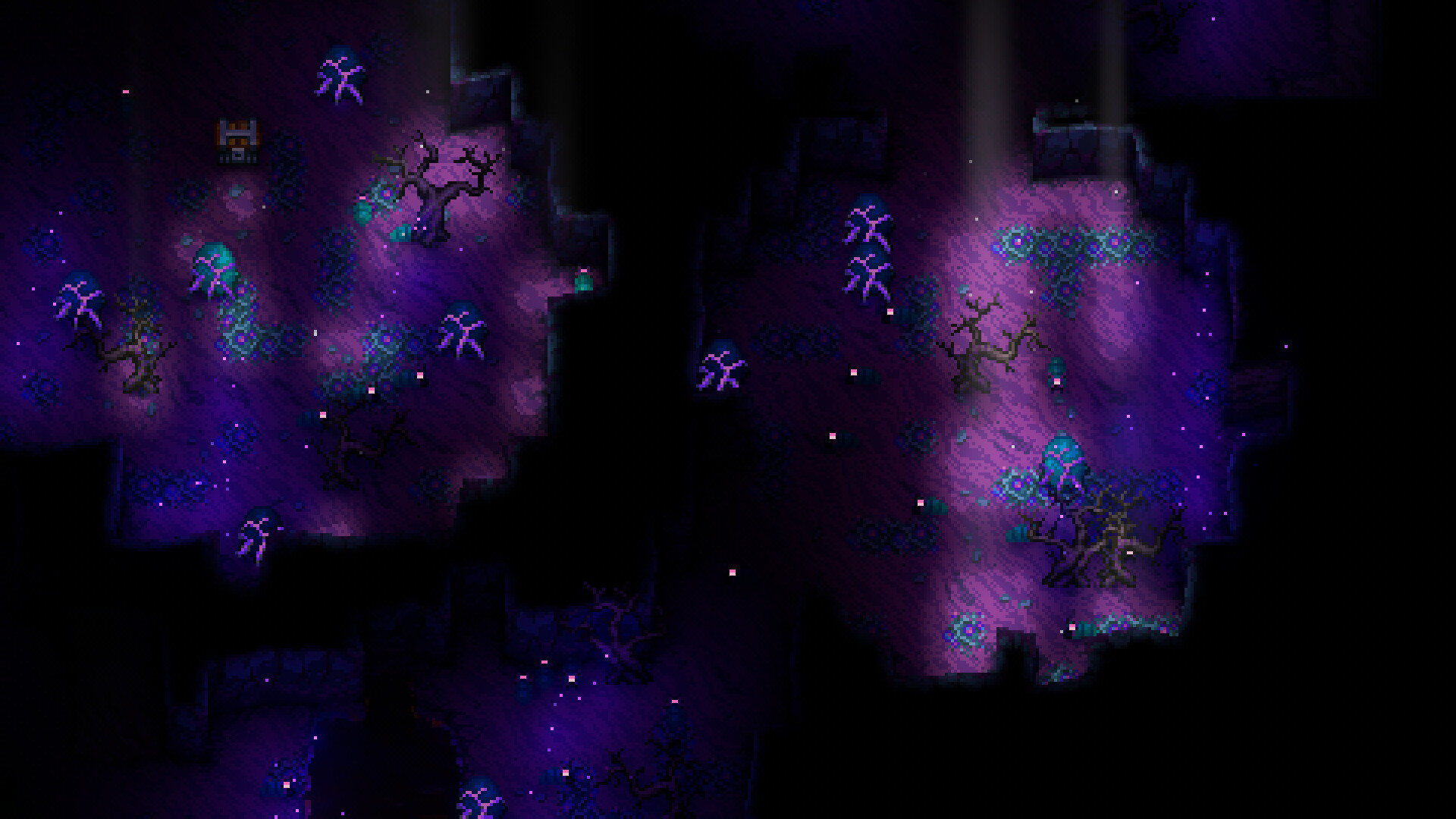
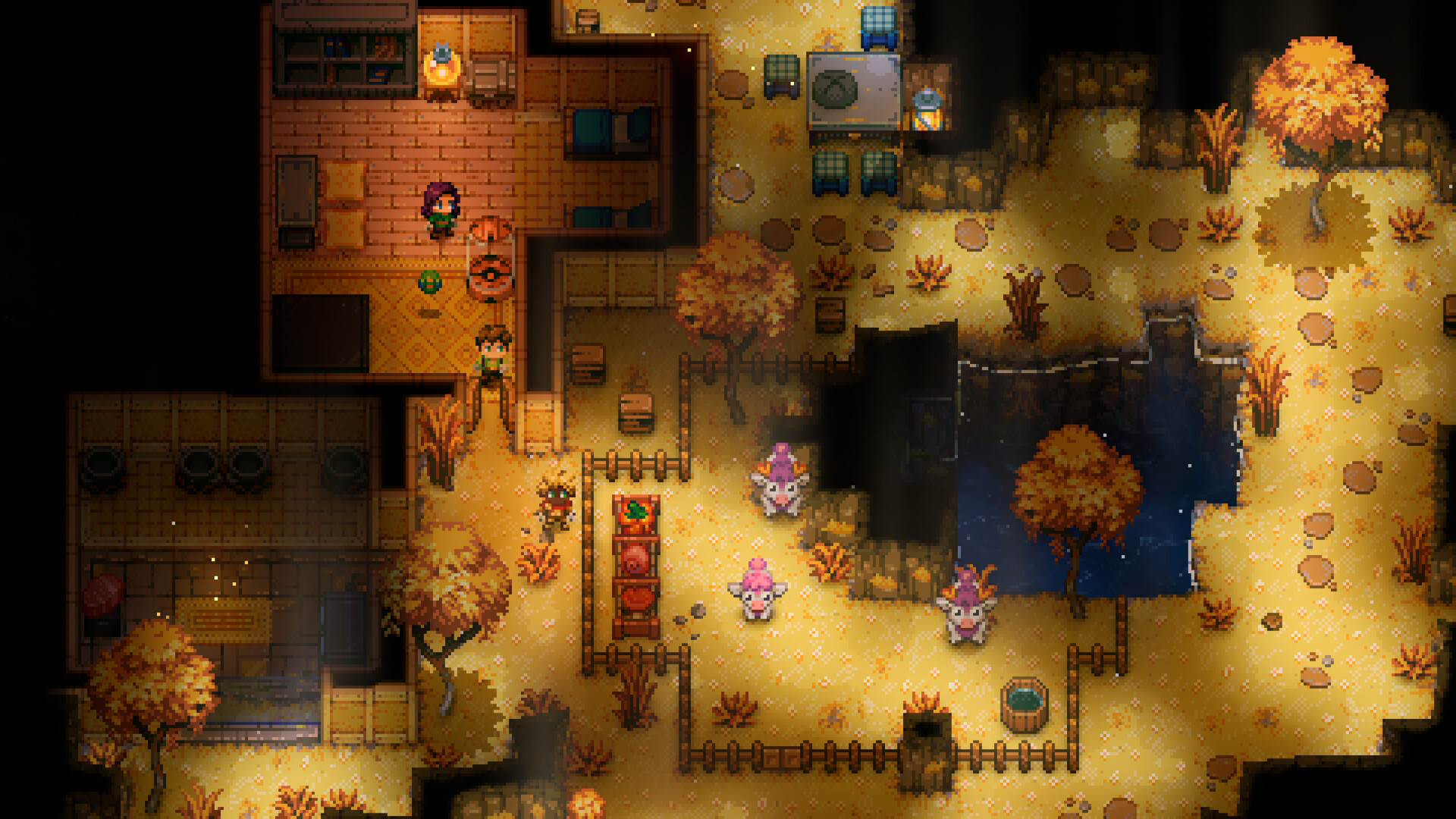
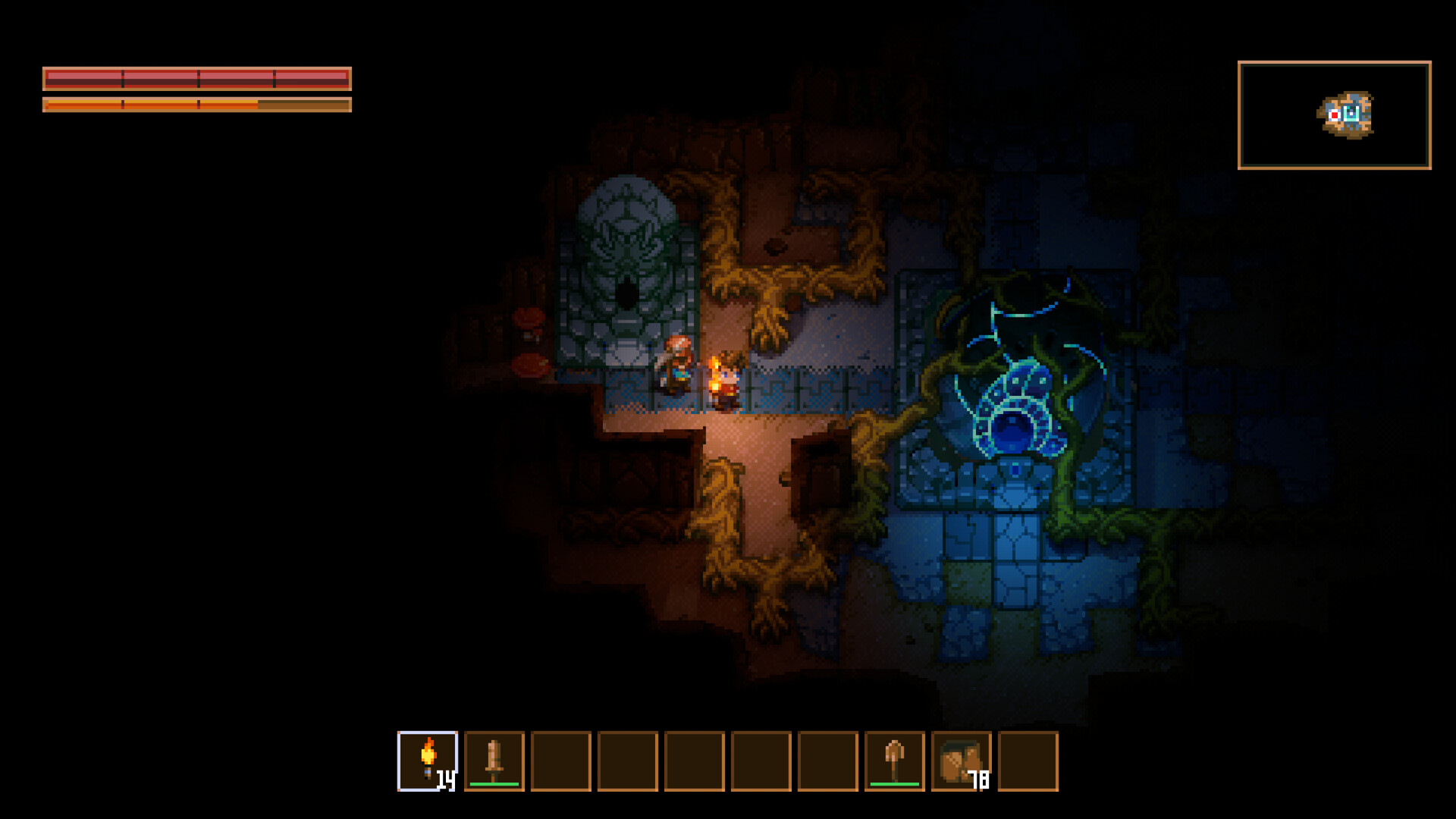
Screenshots
You provide
- CK_WORLD_NAMEServer name players see.
- CK_WORLD_MODEoptionalWorld mode for a NEW world, as in the game's Create World screen: Normal, Hard (tougher enemies, better loot), Casual (gentler enemies) or Creative (an empty world, build freely). An existing world keeps its mode.
- CK_SEASONoptionalSeasonal event: Auto follows the calendar; or force one (Halloween, Christmas...) or None.
- CK_ALLOW_ONLY_PLATFORMoptionalWhich PC stores can join: All = cross-play (Steam, Epic, Microsoft Store and GOG), or only one of them.
- CK_ADMINSoptionalAdmins: SteamID64s (17 digits starting 7656119), comma separated. The first player to join also becomes admin. Manage admins and bans later in the Players tab of your server panel.
- CK_RESTART_TIMEoptionalDaily restart at this time (HH:MM, UTC), done when nobody is playing if possible. Keeps long-running Core Keeper servers smooth. Empty = no daily restart.
What runs
- corekeepercorekeeper1.5 vCPU · 2.9 GB · 10 GBrunonflux/corekeeper-server-flux:latest
Per instance 1.5 vCPU · 2.9 GB · 10 GB, on 2 nodes.
Why Host on FluxCloud
Experience the power of decentralized cloud infrastructure built on Web3 technology
Global Network
Deploy across 62+ countries with our worldwide decentralized infrastructure for low latency everywhere.
Lightning Fast Deployment
Get your applications up and running in minutes with our automated deployment system.
Cost Effective
Save up to 70% compared to traditional cloud providers with transparent, competitive pricing.
99.9% Uptime
Distributed network architecture ensures maximum availability and redundancy.
Easy Scaling
Scale your resources up or down instantly to match demand without downtime.
No Vendor Lock-in
Full data portability and open standards mean you're never locked into one provider.
24/7 Support
Expert support team available around the clock to help with any issues or questions.
30-Day Money-Back Guarantee
Not satisfied? Get a full refund within 30 days, no questions asked. We're confident you'll love our service.
Global server network
Your server runs on independent nodes worldwide, so players connect to something close to them.
6,961 servers56 countriesGlobal
© OpenStreetMap
Frequently Asked Questions
Everything you need to know about hosting on FluxCloud
How much does it cost to host Core Keeper on FluxCloud?
Core Keeper hosting starts at $4.49 a month on the Flux network, priced by the resources it uses and the number of instances. There is no contract: pay for the period you pick and stop whenever you like.
What is FluxCloud?
FluxCloud is a decentralized cloud computing platform powered by Web3 technology. It provides secure, scalable, and cost-effective hosting for applications, games, and services across a global network of nodes.
How do I get started?
Simply browse the marketplace, select your desired application or game, choose your configuration, and deploy. Your instance will be live within minutes. No complex setup required!
What payment methods do you accept?
We accept FLUX tokens, as well traditional payment methods through our integrated payment processors (Stripe and Paypal).
Can I upgrade or downgrade my plan?
Yes! You can easily scale your resources up or down at any time through your dashboard. Changes take effect immediately with no downtime.
What happens if I need more resources?
You can instantly upgrade to a higher tier configuration at any time. Simply select the new configuration in your dashboard and the changes will be applied automatically.
How is uptime guaranteed?
Our decentralized architecture distributes your application across multiple nodes, ensuring 99.9% uptime. If one node experiences issues, your application automatically fails over to healthy nodes.
Related games
Valheim
Sail, build, and slay the bosses of the tenth Viking realm — always online.
Starting at $4.99
Terraria
Terraria 1.4.5.8 with TShock admin tools, plugins and no player cap, running 24/7 with automatic failover.
Starting at $1.49
Enshrouded - 4 Slots
Host your Enshrouded 4 slots Game Server on Flux Cloud for a 1-month plan
Starting at $4.99
Palworld - 16 Slots
Host your Palworld 16 slots Game Server on Flux Cloud for a 1-month plan
Starting at $10.49